Documentation

Technical reference for the MocapX Maya plug-in

Requirements

Supported Maya Versions

Plug-in Version 2.2.2

  • Maya 2026
  • Maya 2025
  • Maya 2024
  • iPhone X / XS / XS Max / XR
  • iPhone 11 / 11 Pro / 11 Pro Max
  • iPhone 12 mini / 12 / 12 Pro / 12 Pro Max
  • iPhone 13 mini / 13 / 13 Pro / 13 Pro Max
  • iPhone 14 / 14 Plus / 14 Pro / 14 Pro Max
  • iPhone 15 / 15 Plus / 15 Pro / 15 Pro Max
  • iPhone 16 / 16 Plus / 16 Pro / 16 Pro Max / 16e
  • iPhone 17 / 17 Pro / 17 Pro Max / 17e
  • iPhone Air
  • iPad (5th / 6th / 7th / 8th / 9th / 10th generation)
  • iPad (A16)
  • iPad mini (5th / 6th generation)
  • iPad mini (A17 Pro)
  • iPad Air (3rd / 4th / 5th generation)
  • iPad Air 11-inch / 13-inch (M2 / M3 / M4)
  • iPad Pro 9.7-inch / 10.5-inch
  • iPad Pro 11-inch (1st / 2nd / 3rd / 4th generation)
  • iPad Pro 12.9-inch (1st / 2nd / 3rd / 4th / 5th / 6th generation)
  • iPad Pro 11-inch / 13-inch (M4 / M5)

Operating Systems

  • Windows 10 / 11
  • macOS 10.14 Mojave and newer
  • iOS 15.0 or later

Installation

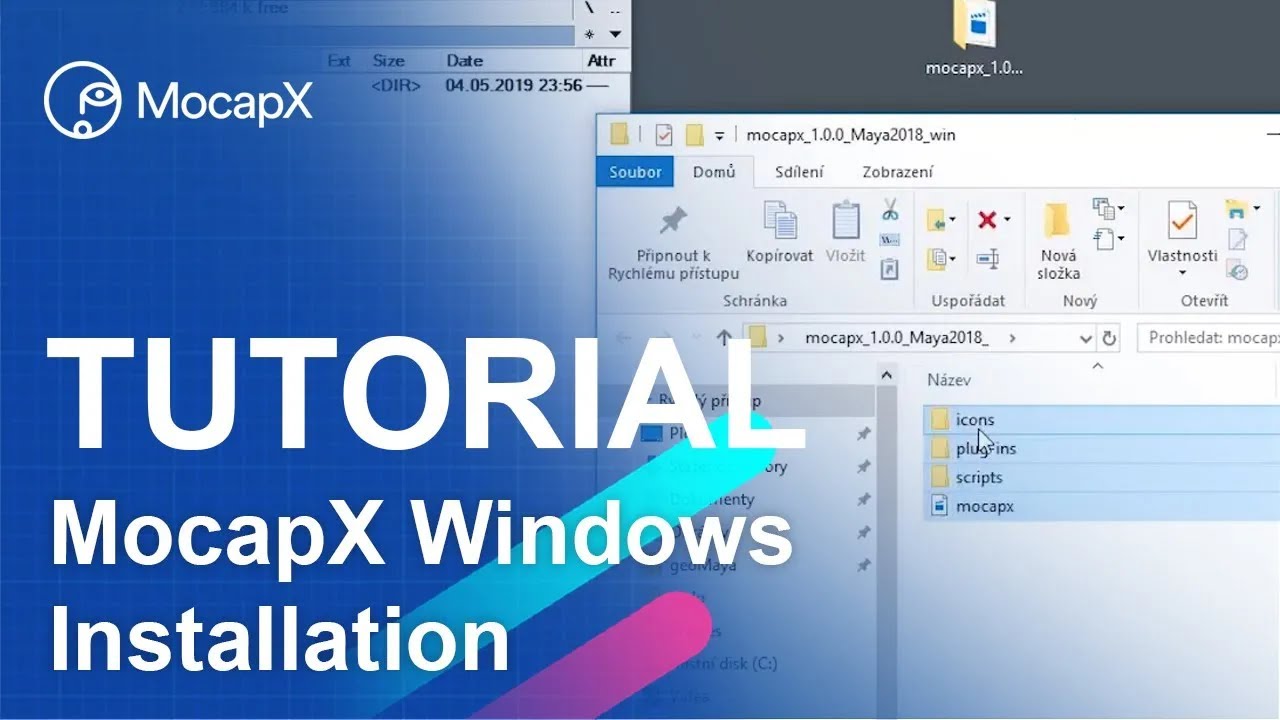
  1. Download the plug-in for your Maya version from the downloads page
  2. Extract the ZIP archive
  3. Copy the MocapX folder to your Maya modules directory:
    C:\Users\<username>\Documents\maya\modules\
  4. Restart Maya
  5. Enable MocapX in Maya's Plug-in Manager (Windows > Settings > Plug-in Manager)
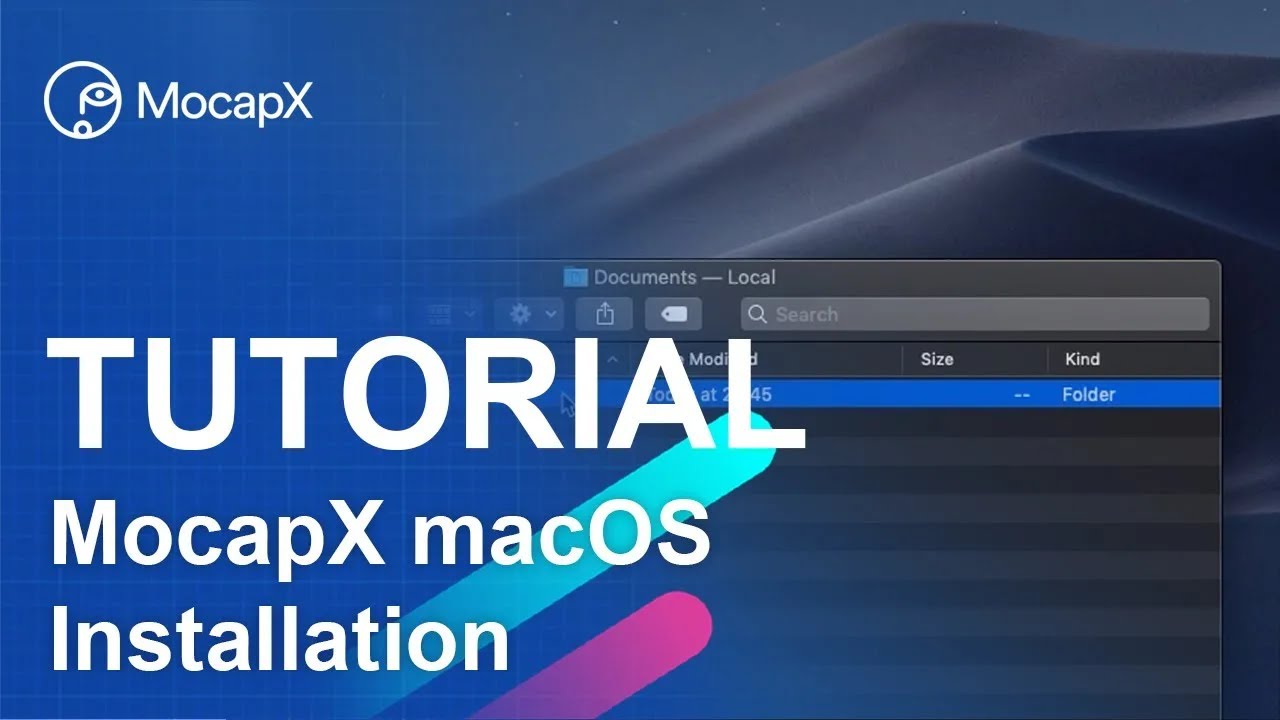
  1. Download the plug-in for your Maya version from the downloads page
  2. Extract the archive
  3. Copy the MocapX folder to your Maya modules directory:
    /Users/<username>/Library/Preferences/Autodesk/maya/modules/
  4. Alternatively, add the module path to your Maya.env file
  5. Restart Maya and enable the plug-in

Facial Expression Reference

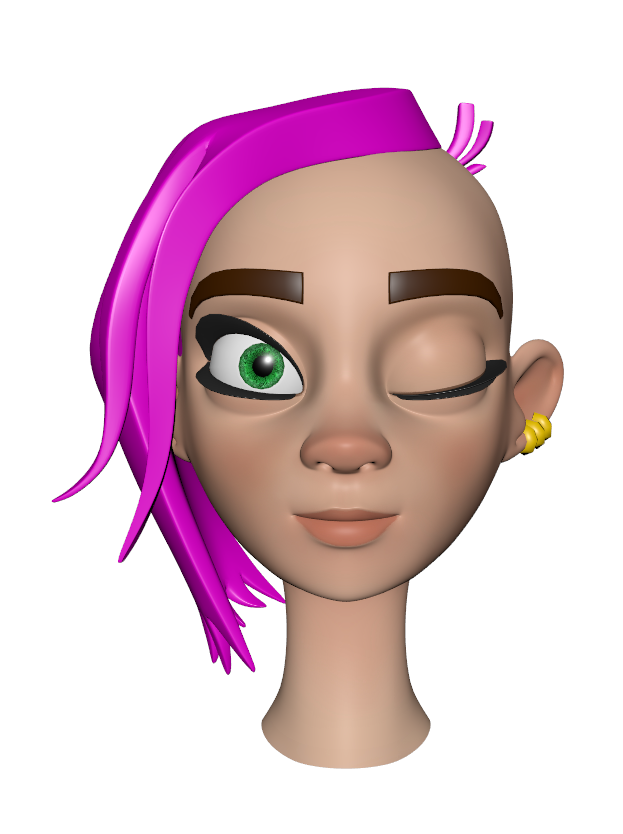
MocapX captures 52 ARKit-compatible facial expressions. Select an expression below to compare the neutral face with the activated pose.
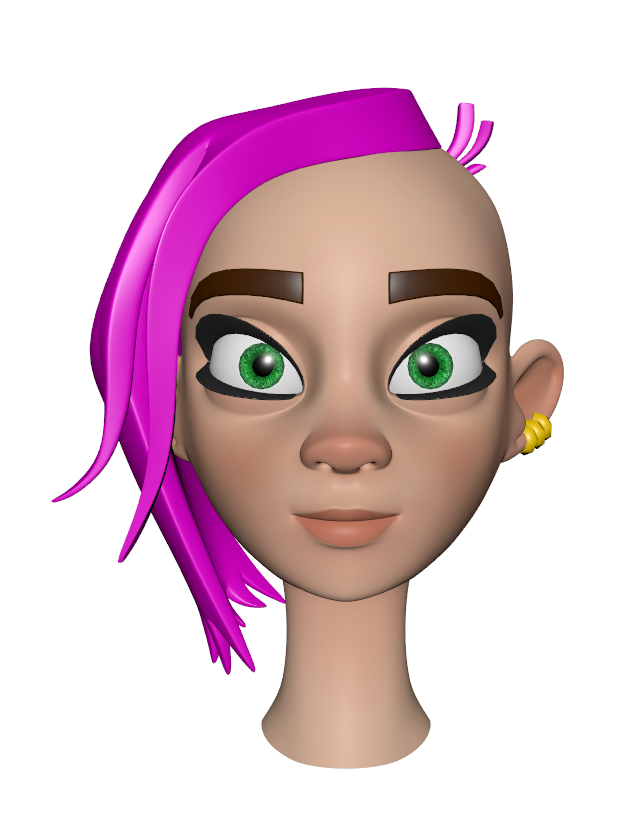
Neutral faceNeutral
eyeBlink_L expressioneyeBlink_L

Shelf Tools

After loading the plug-in, the MocapX shelf appears in Maya with the following tools:

MocapX shelf in Maya

PoseLib Editor

Create and manage pose presets that map captured expressions to your rig's controllers.

Attribute Collection

Group and organize the attributes that receive motion capture data.

Create PoseLib

Create a new Pose Library node to store expression-to-rig mappings.

Create Pose

Add a new pose to the active Pose Library, capturing current controller values.

Create Realtime Device

Create a new Realtime Device node for receiving live data from the iOS app.

Create Clip Reader

Create a new Clip Reader node for playing back recorded motion capture clips.

Live

Start live data streaming from the connected iOS device to Maya.

Pause

Pause the live data stream without disconnecting from the device.

Bake Tool

Bake captured motion data onto your rig's animation curves.

Demo Rig

Load a pre-configured demo rig to test MocapX immediately.

Help

Open MocapX documentation and support resources.

Key Components

The core of MocapX streaming. This Maya node communicates with the iOS app over WiFi (requires IP address and port) or USB (port only). It receives 52 facial expressions, head rotation, and eye tracking data in real-time at 60fps. Includes built-in recording controls — specify a file path and duration, then use Save Clip to capture data directly to disk.

Used for reading MocapX data clips from the local drive. Load recorded clip files, scrub through the timeline, and apply the data to your rig as if it were a live stream. Ideal for reviewing and refining captured performances offline.

A node that stores rest (neutral) values for the PoseLib system. Groups attributes on your rig that should receive motion capture data. Drag and drop controllers and attributes to build a mapping between captured data and your rig. These rest values serve as the baseline from which all pose transitions are calculated.

The non-destructive mapping system. Each pose defines a neutral face (relaxed state, value 0) and a face with expression (extreme state, value 1), similar to how blendshapes work. Motion capture data drives the 0–1 transition to transfer expressions to your rig. Create a pose for each ARKit expression, and MocapX blends between them. Edit, update, and refine poses without affecting the original rig setup.

A utility node that lets you quickly switch the data source between the Realtime Device and the Clip Reader. This makes it easy to toggle between live capture and recorded playback without rewiring your rig connections. Also useful for remapping and transforming captured values before they reach your rig.

Documentation FAQ

Yes. The Pose Library system lets you map captured expressions to any type of rig controller, not just blendshapes. This is the recommended approach for production rigs.

Yes, MocapX supports both WiFi and USB connections. USB can provide a more stable connection, especially in environments with congested WiFi networks.

MocapX works with any iPhone or iPad running iOS 15.0 or later. For facial motion capture, a device with Face ID (TrueDepth camera) is required. See the Requirements section above for the full list of supported devices.

Yes, MocapX is designed for professional animators and studios. You can use it for any commercial and non-commercial projects. There are no restrictions on how you use the captured motion data.

More complex rigs may decrease real-time performance depending on your computer's processing power and graphics card. For best results, you can capture data first and then bake it onto your rig's animation curves.

MocapX uses Apple's Face ID technology and ARKit framework to capture 52 facial expressions at 60 frames per second. This requires a device with a TrueDepth camera (Face ID). The data is streamed in real-time to the Maya plug-in over WiFi or USB.

Ready to Get Started?

Download MocapX and start capturing facial animation today.

Download MocapX