Features
Everything MocapX brings to your animation pipeline — from facial capture to full-body tracking.
Facial & Eye Capture
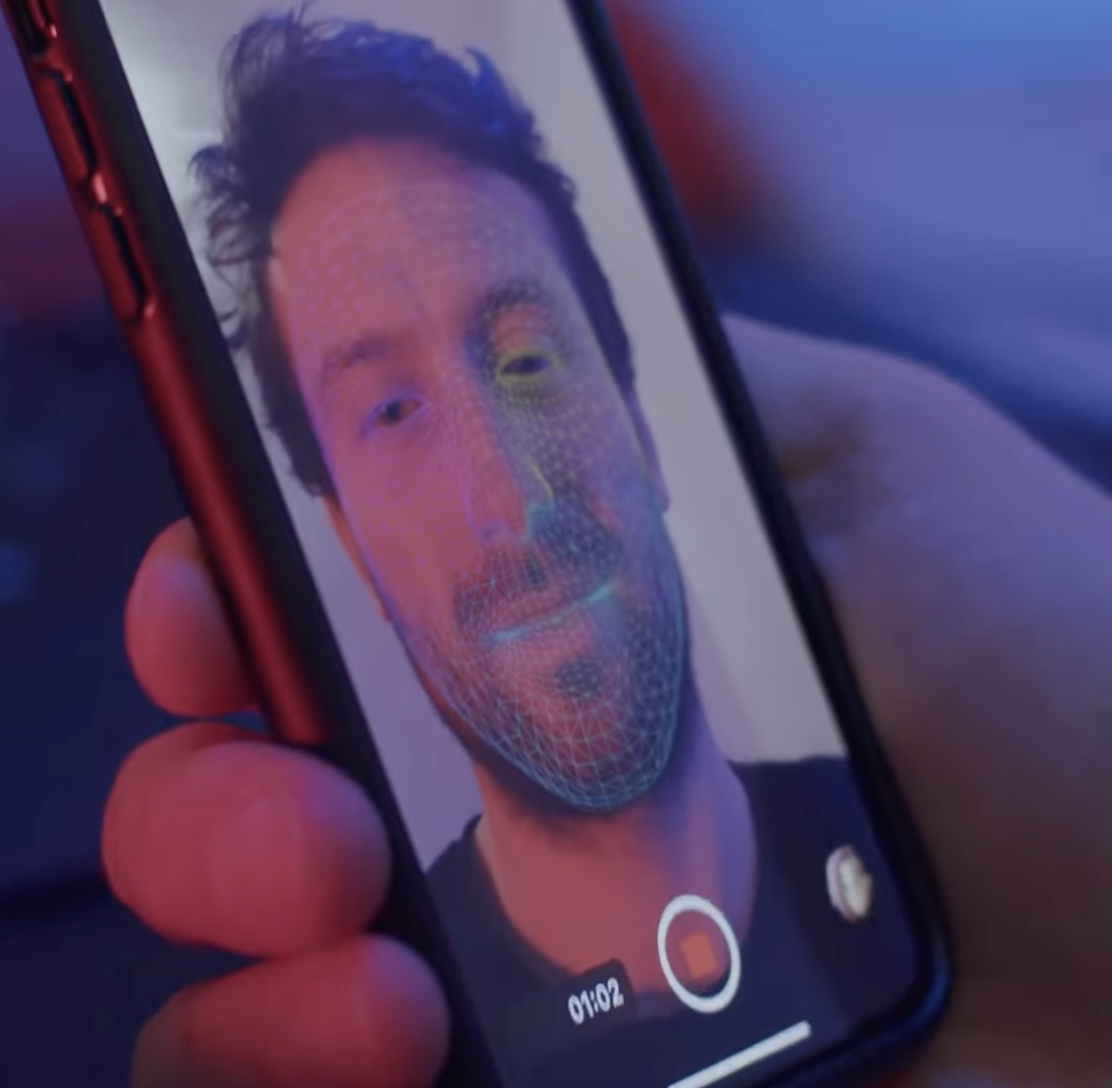
MocapX uses the iPhone TrueDepth camera to track 52 facial expressions, head rotation, and eye movement in real time. The captured performance maps directly onto your Maya rig, preserving the subtlety of the original take.
Eye tracking captures gaze direction and blink timing alongside the facial expressions, so look-at targets and small ocular movements come through without manual cleanup.
- 52 ARKit blendshape expressions
- Head rotation and translation
- Gaze direction and blink tracking
- 60fps capture on supported devices
Production Ready
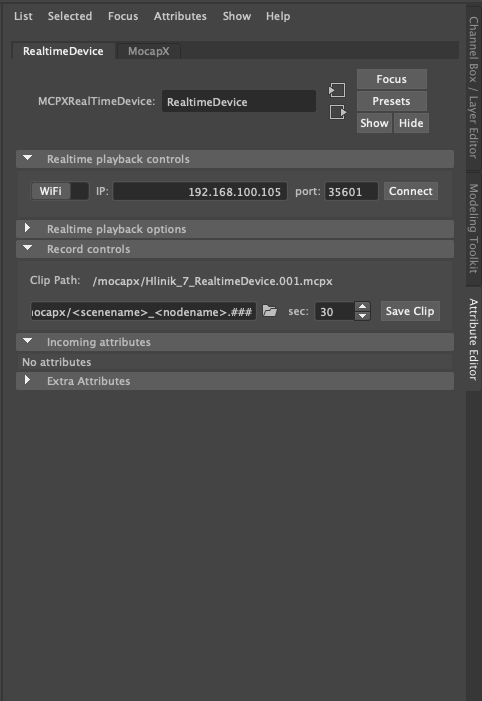
MocapX integrates with any Maya rig — blendshape models, controller-driven facial rigs, or hybrid setups. Connect captured data directly to controllers via the Pose Library, or stream into blendshapes for instant playback.
Bake captured performances to standard Maya keyframes whenever you need to edit in the Graph Editor, layer animation on top, or export to other tools in your pipeline.
- Compatible with custom and commercial rigs
- Works with Advanced Skeleton out of the box
- Bake to keyframes for Graph Editor cleanup
- Non-destructive layering over captured data
Pose Library
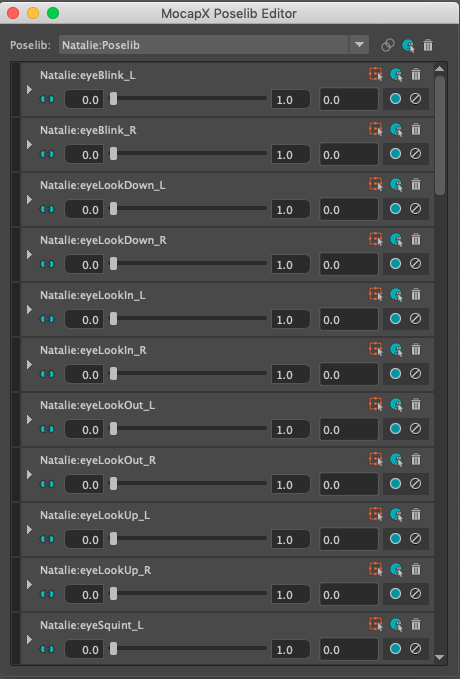
The PoseLib Editor is where MocapX bridges captured facial expressions with your rig controllers. Create one Pose per expression by moving your controllers into the target shape, and MocapX records the values for blending at runtime.
Once your library is built, the same set of Poses can be reused across shots and characters that share the rig. Updates to a Pose propagate automatically to every animation that references it.
- One Pose per facial expression
- Reusable across shots and characters
- Non-destructive — edit Poses any time
- Works alongside blendshape connections
2D Tracking
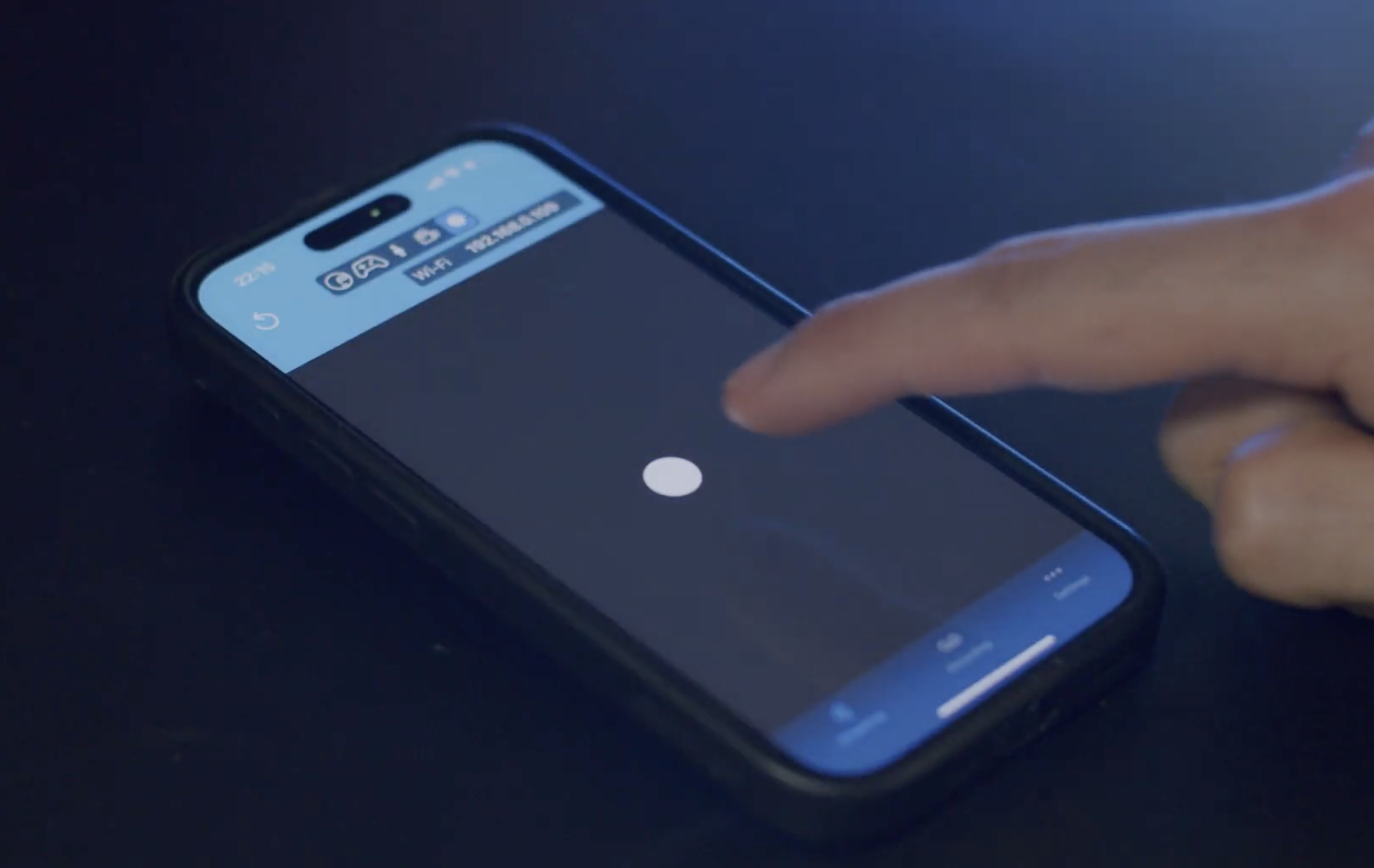
MocapX is not limited to 3D. The same captured expression data can drive 2D character rigs in Maya — switch between mouth shapes, eye states, and brow positions based on the live performance.
Useful for motion-comic, cutout-style, and stylised 2D pipelines that still benefit from the timing and nuance of a real performance capture.
- Drive 2D mouth and eye libraries
- Same capture pipeline as 3D rigs
- Switch between discrete shape sets
3D Camera Tracking
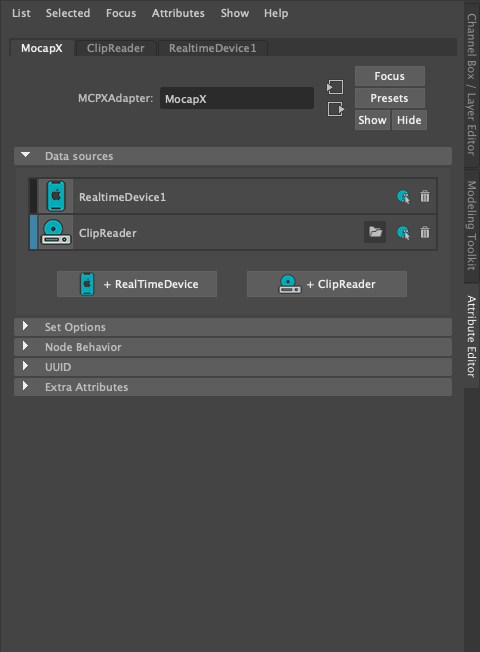
Use the iPhone as a virtual camera. MocapX streams device position and rotation into Maya, letting you frame shots with natural camera motion or capture handheld-style movement for previz.
The data lands on a standard Maya camera node, so it works with everything Maya supports — playblasts, render layers, or further animation cleanup on top.
- Stream device transform to Maya camera
- Ideal for virtual camera and previz
- Records to standard Maya keyframes
Game Pad Connection
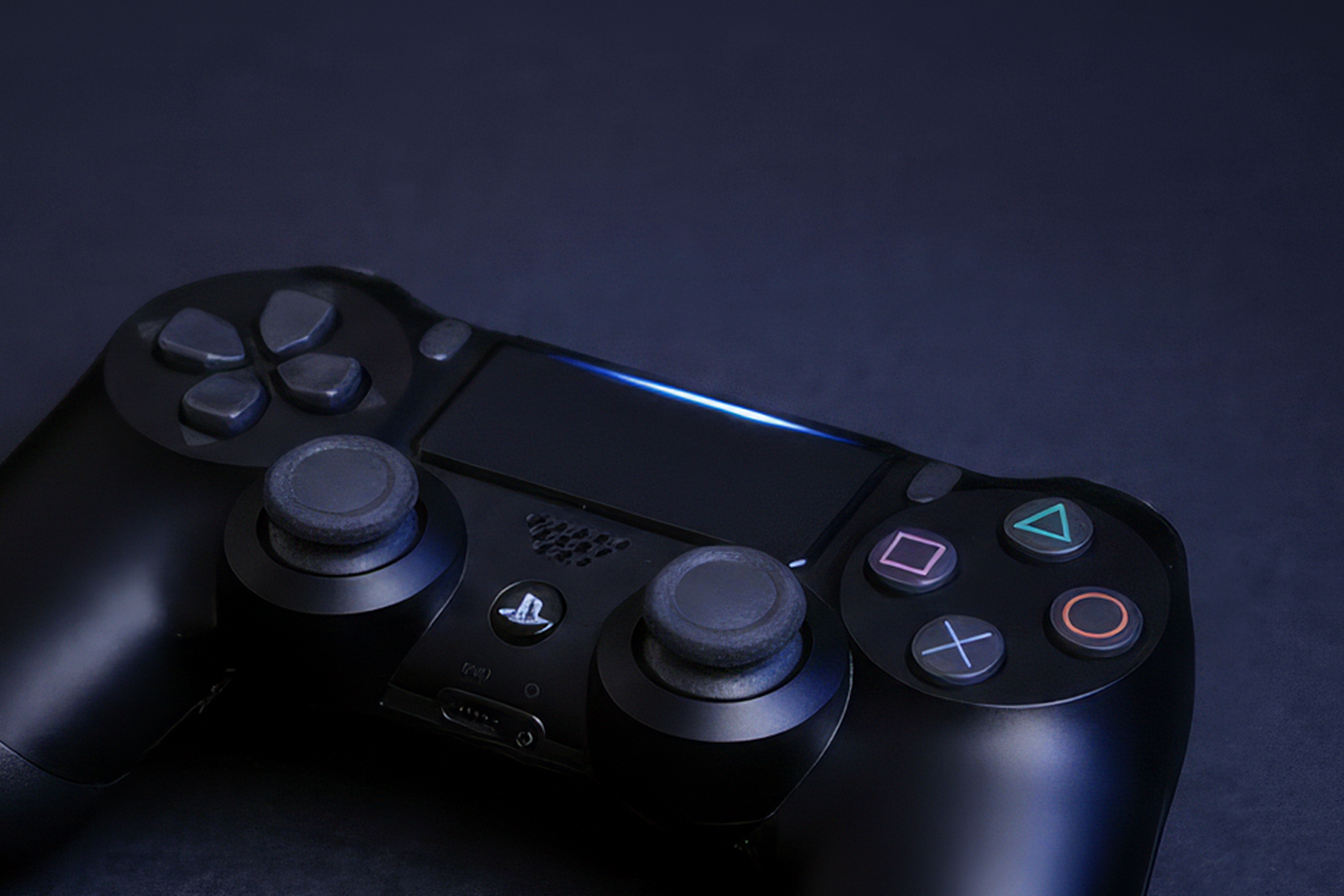
Pair a Bluetooth game controller with your iPhone to drive MocapX hands-free. Map buttons to start and stop recording, switch between Pose sets, or trigger pre-built animations during a live capture.
Useful for solo capture sessions where reaching for the keyboard would break the take, and for theatrical workflows where the performer drives playback themselves.
- Bluetooth controllers supported
- Map buttons to record, switch, and trigger
- Drive captures hands-free
Body Tracking
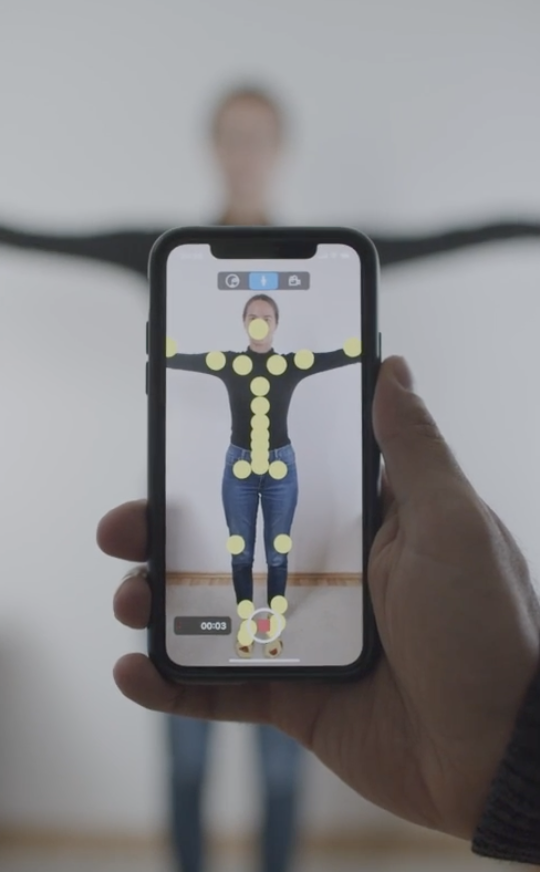
MocapX uses the iPhone camera to track full-body skeletal motion alongside facial capture. Stream position, limb rotation, and posture into Maya for combined face and body performance in a single take.
The body data flows through the same Realtime Device pipeline as facial capture, so you can record, preview, and bake using the tools you already know.
- Full-body skeletal tracking
- Captured alongside face and eyes
- Same Realtime Device workflow
Ready to capture your first take?
Download MocapX and start animating with your iPhone in minutes.